Step-by-Step
How to Sign Up
Ready to dive in? Follow the steps below and you’ll be earning in minutes.
Before doing anything, activate a VPN and select a country like Mexico. We recommend a paid plan of Proton VPN. Not sure why? Watch this short video.
Create Your Account
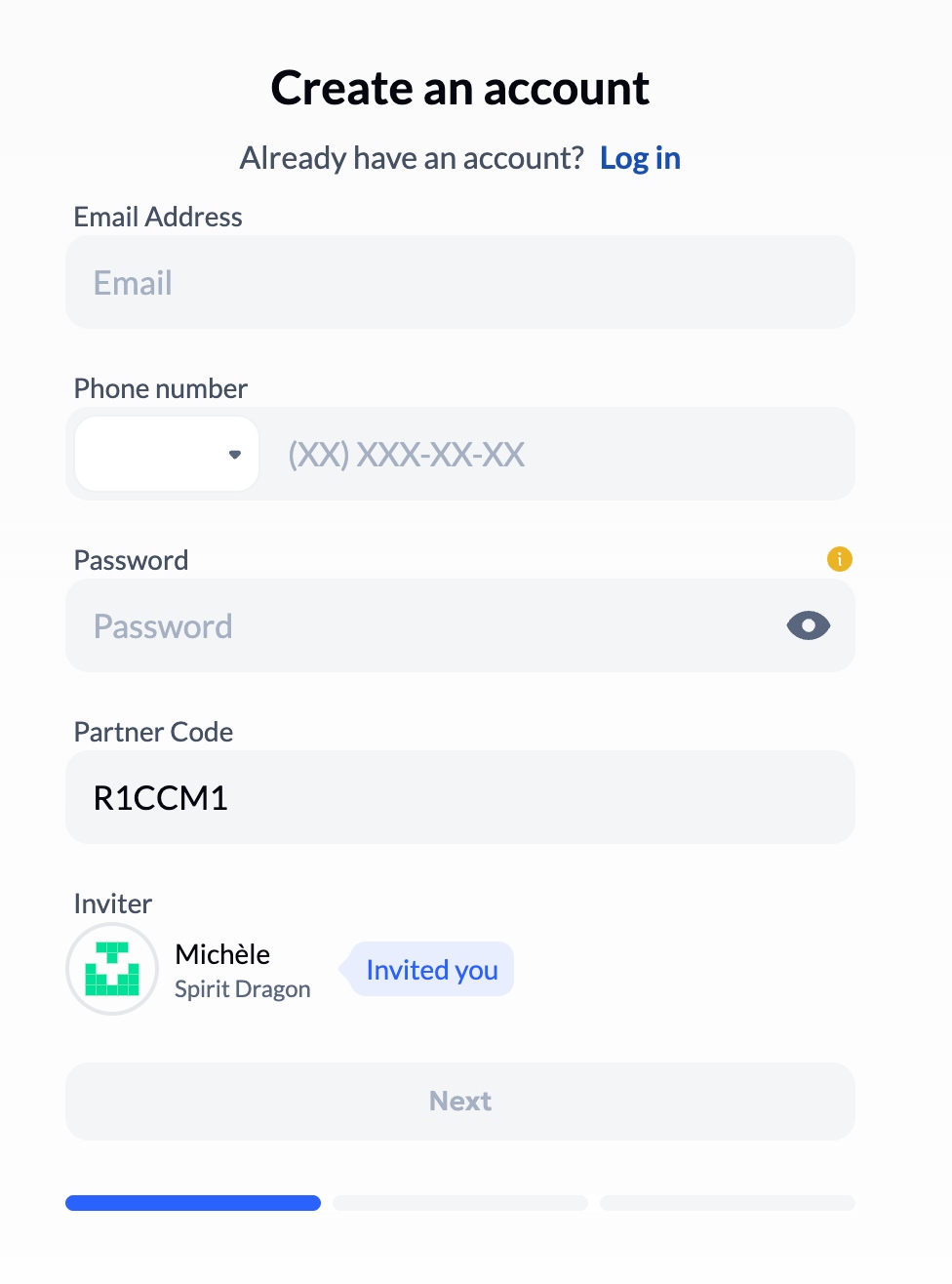
Hit the button below to open the sign-up page, then enter your email address, phone number, and create a password. At the bottom of the form you’ll see my name — confirming that I’m the one welcoming you in.
Complete Your Profile
The next screen asks for your first and last name, a nickname/handle (make one up!), your country (USA or Canada: select U.S. Minor Outlying Islands), and date of birth. Hit Submit. Then check your email inbox for a verification code, enter it, and sign in with your email and password.
Set Up 2FA (Two-Factor Authentication)
A pop-up will prompt you to connect 2FA — complete this right away. Use Google Authenticator, Authy, or any authenticator app. Important: tap the eye icon to reveal and copy your recovery code, and store it somewhere safe. Scan the QR code, verify the generated code, and you're set.
Fund Your Wallet
From the Dashboard, hit "Top Up Wallet" and deposit using any of the following:
- USDT Tether on TRON or BNB Chain — fastest, lowest fees, recommended
- USDC Circle on BNB Chain, Ethereum, or Polygon
TRON and BNB Chain arrive quickest — Ethereum can lag. If you don't hold crypto yet, sign up on a local exchange like NDAX (Canada) or Kraken (USA/Canada) to convert dollars into any of the above.


Start Your First EX-AI Bot Deposit
Once you have subscribed to the Aurum Ecosystem, from your Dashboard, click Financial Proposals → EX-AI Bot. Hit "Create Deposit" — a window will show your deposit amount and the percentage of each trade you receive. The more you deposit, the higher your share: for example, a $5,000 deposit earns you 80% of every trade. Lower amounts earn a smaller percentage, higher amounts more. The maximum single deposit in the EX-AI Bot is $99,999 — however, you can run multiple concurrent deposits simultaneously if you wish.

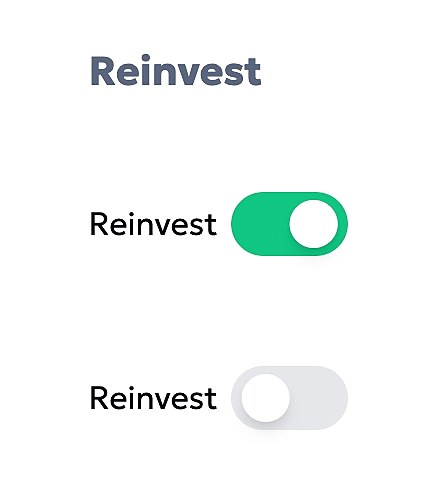
After your deposit is created, scroll to the bottom of the EX-AI Bot screen and toggle the "Reinvest" slider on your deposit. See Step 6 for a full breakdown of how compounding and withdrawals work.
Withdrawals, Profits & Strategy
Aurum is built as a sustainable ecosystem — your initial deposit is locked for 365 days. This isn’t a limitation; it’s by design. The lock-in structure prevents bank-run scenarios and ensures the platform’s AI trading engine can operate with stability. You can withdraw your principal early at any time for a 35% early-withdrawal fee, applicable at certain times of the month.
Two ways to use your earnings:
- GROW Turn Reinvest on — daily profits compound back into your principal, accelerating long-term growth. Slower access to cash, but significantly higher returns over time.
- EARN Turn Reinvest off — daily profits accumulate in your wallet from Day 1. Minimum 25 USDT to withdraw. Send to your Aurum card, another exchange, or your personal wallet. Growth is slower, but it generates real income immediately.
Want to Top Up an Existing Deposit?
If you initially deposited a smaller amount and want to add more to that same deposit — rather than starting a new concurrent one — here's how: go to the EX-AI Bot section and scroll to the bottom of the page where your active deposits are listed. You'll see a Top Up button next to each deposit. Click it to add funds directly to that deposit without creating a new one.

Get Your Aurum Mastercard
Access the card through the Telegram app (the Google Play app is live; Apple App Store coming in a few months). You'll need at least $250 USDT in your wallet to purchase the card.
From your Dashboard in the backoffice, scroll down and click "Access to Neobank via Telegram" and press Join Now. In Telegram, tap Open App to start the application.
Click the small credit card icon to be directed to the section where you order the card.
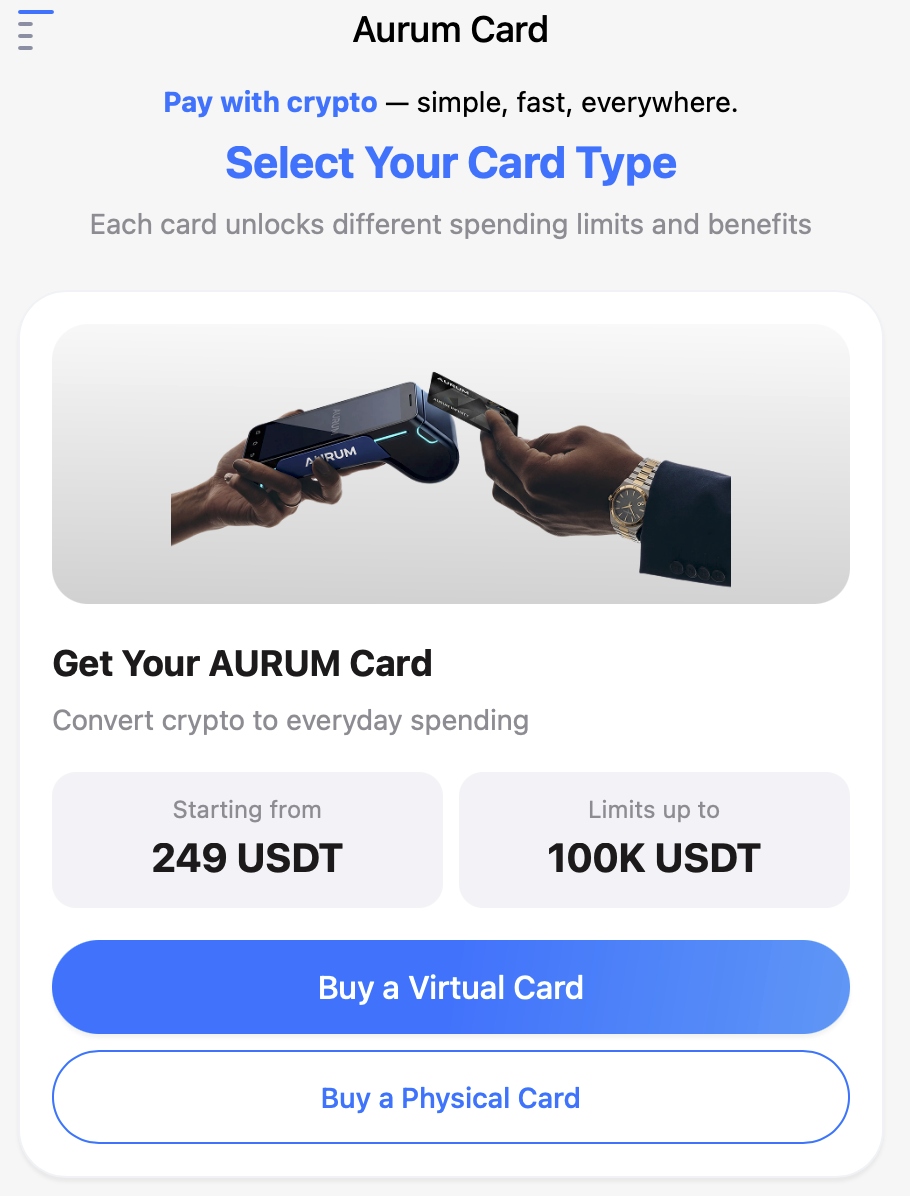
Swipe to select the Infinity Card that matches your payment system — Google Pay or Apple Pay versions are both available. It will ask for a phone number — if no +1 option is listed, scroll down and choose +1 Crypto Nation, which provides a +1 country code for your US or Canadian number. If you have an alternate country phone number, choose that instead.
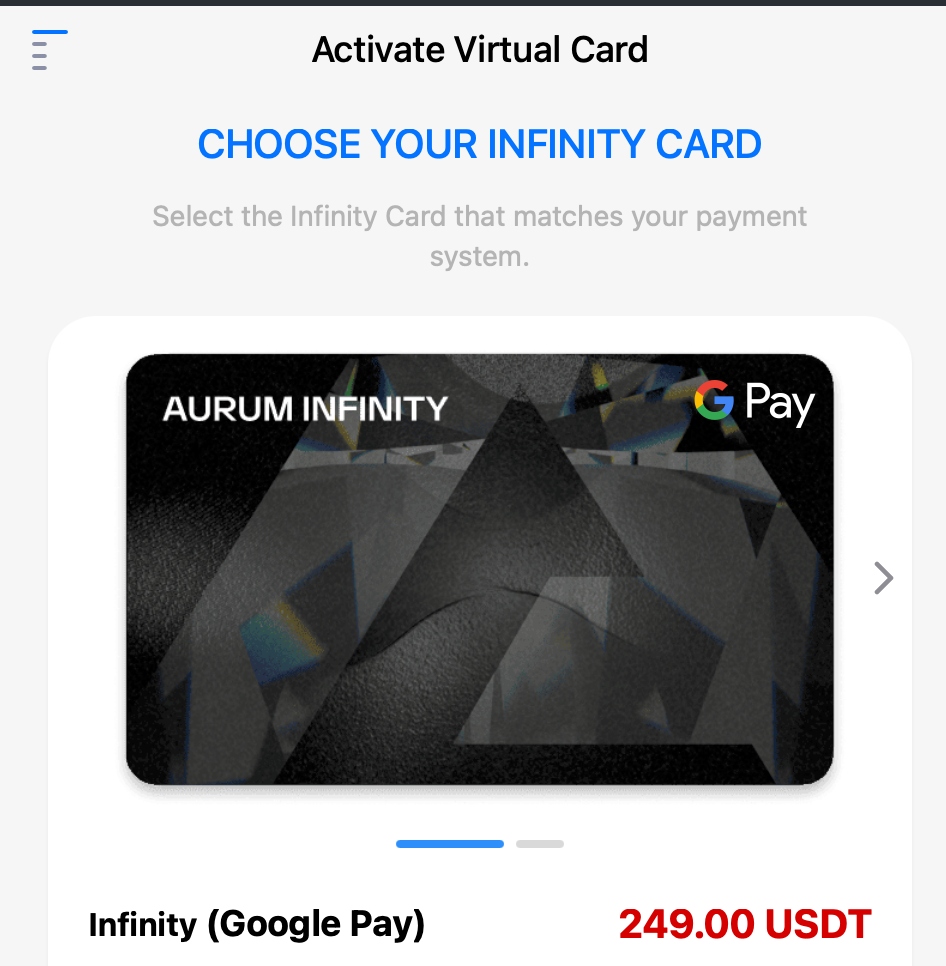
Enter the address of the country (other than USA and Canada) you wish to ship to. Physical cards cannot be shipped to USA and Canada due to current regulations — you can still use your digital/virtual card via tap on your phone.
Log into your Aurum Neobank Application (on Telegram) and Top Up from your main Aurum Wallet and Spend. Deposits typically arrive within a few hours. 2.2% loading fee, 0.7% per transaction — lower than most crypto cards.